
 VYN LAB
Samples from our studio.
Pick a service to see what we deliver. Drag the line on a photo to compare the original with our result.
Product photos13 samples
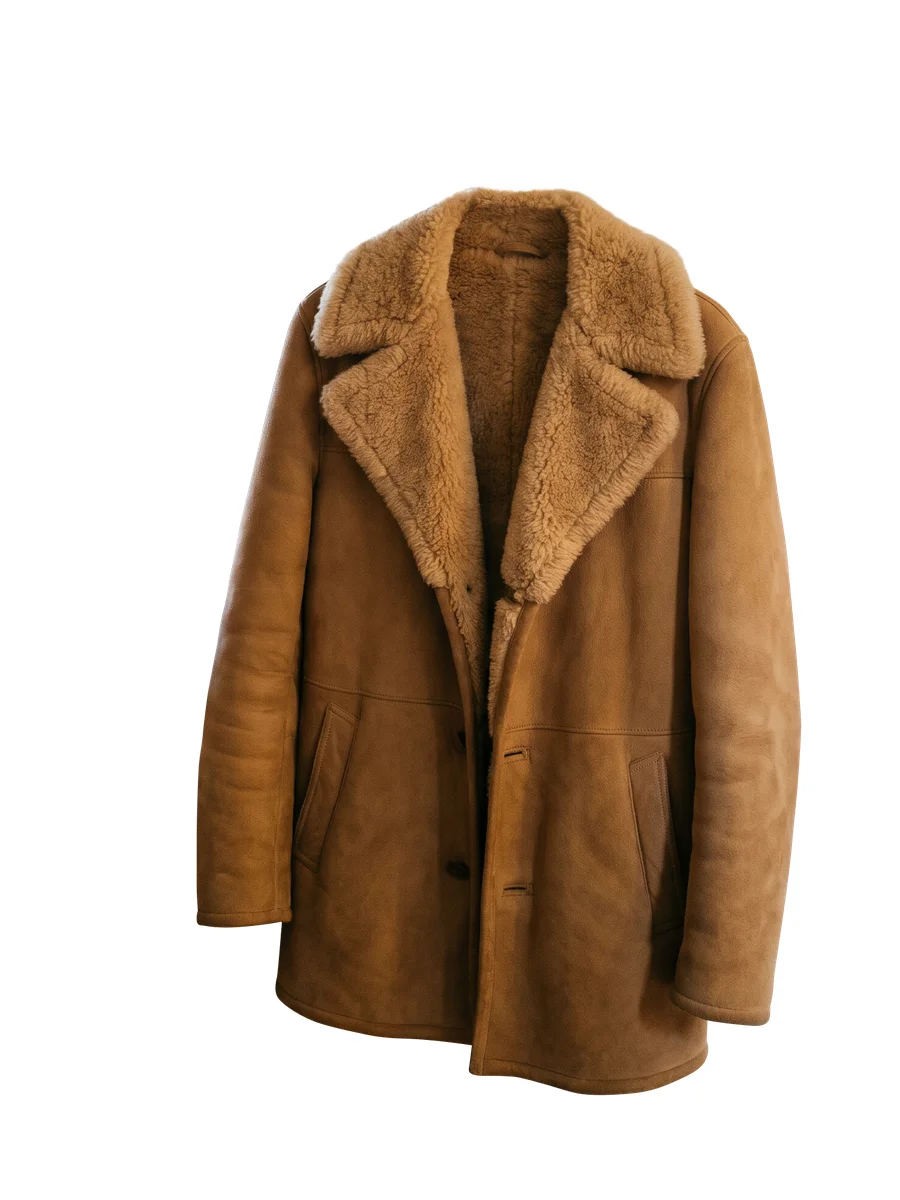
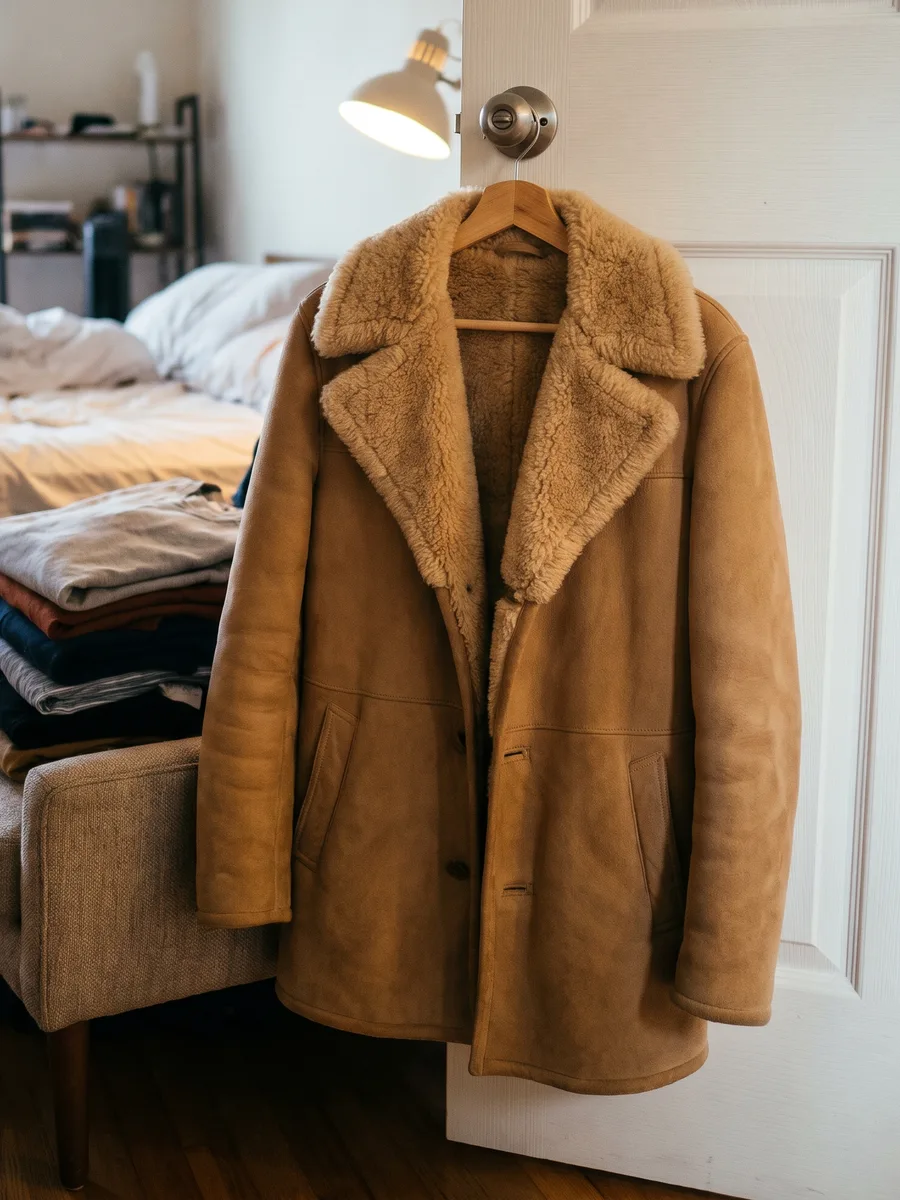 BeforeAfter⇆
Drag to compare
Product photos
RetouchHanger removedShearling coat
The hanger taken out, the curly collar kept soft and natural.
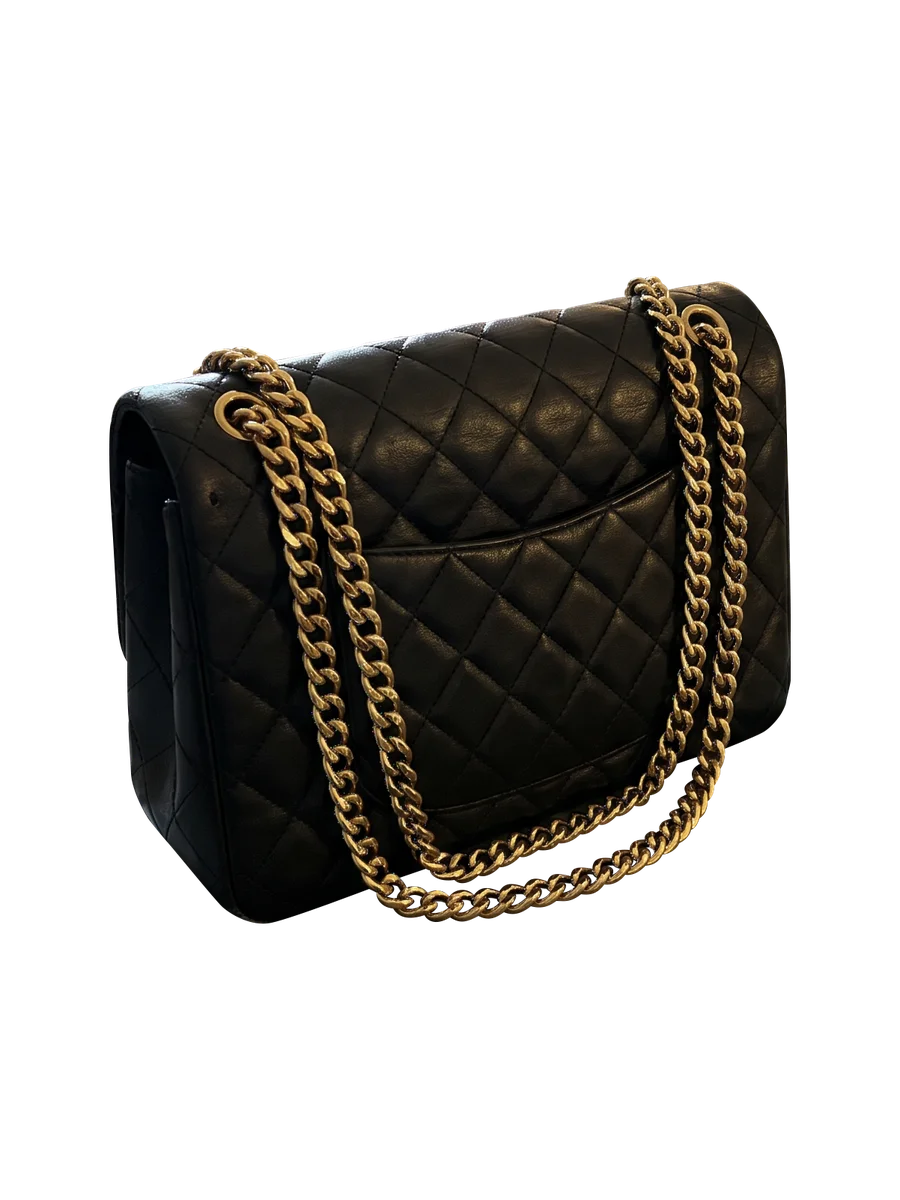
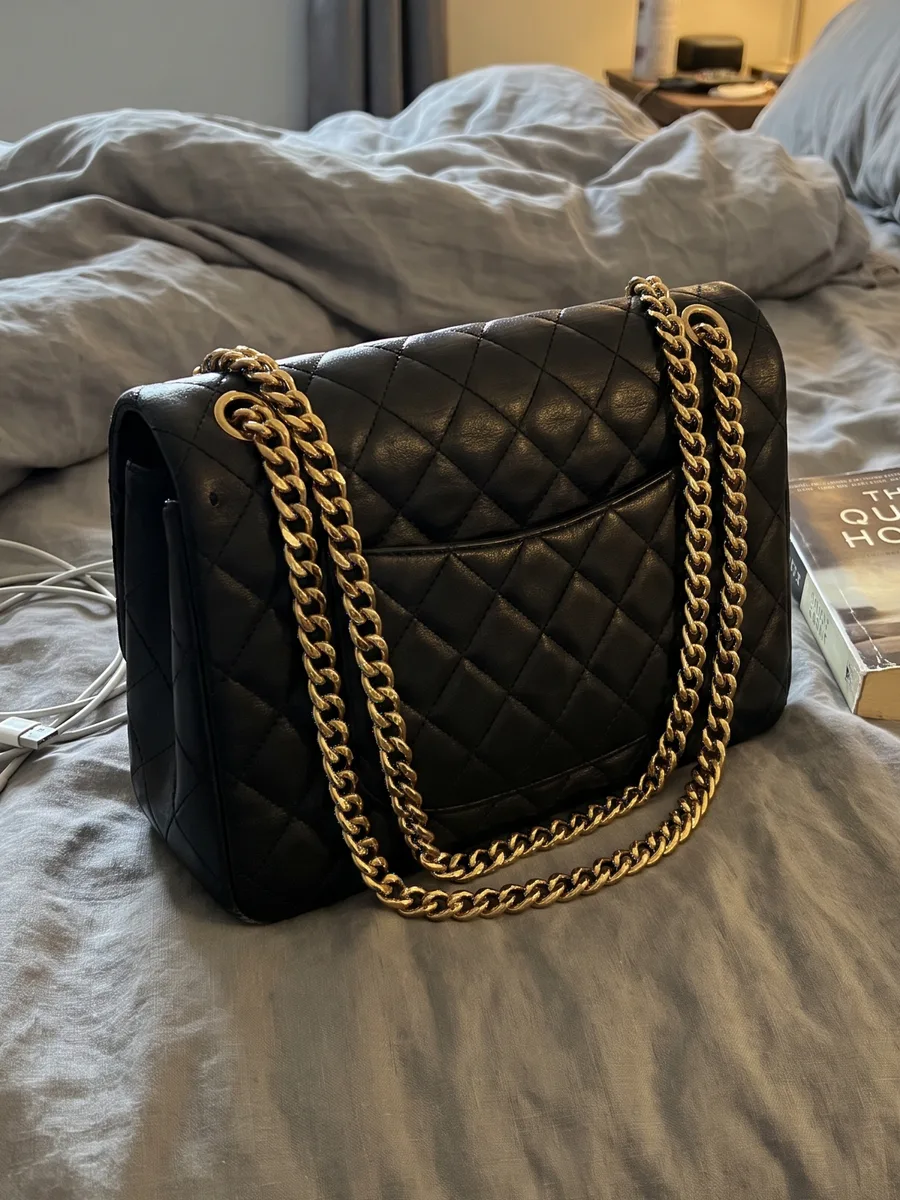 BeforeAfter⇆
Drag to compare
Product photos
Transparent cutoutPNGQuilted bag with gold chain
Every chain link cut out, the gaps between them clear.
 BeforeAfter⇆
Drag to compare
Product photos
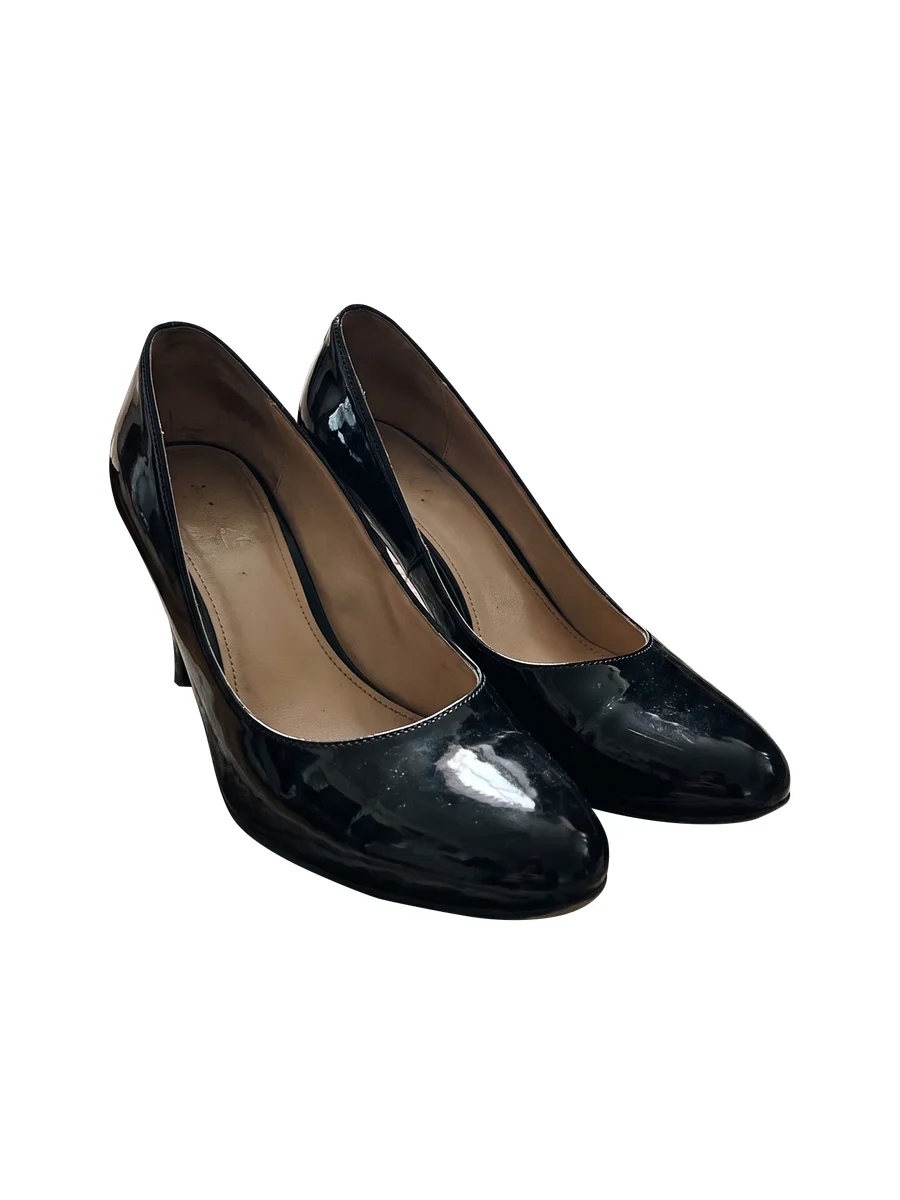
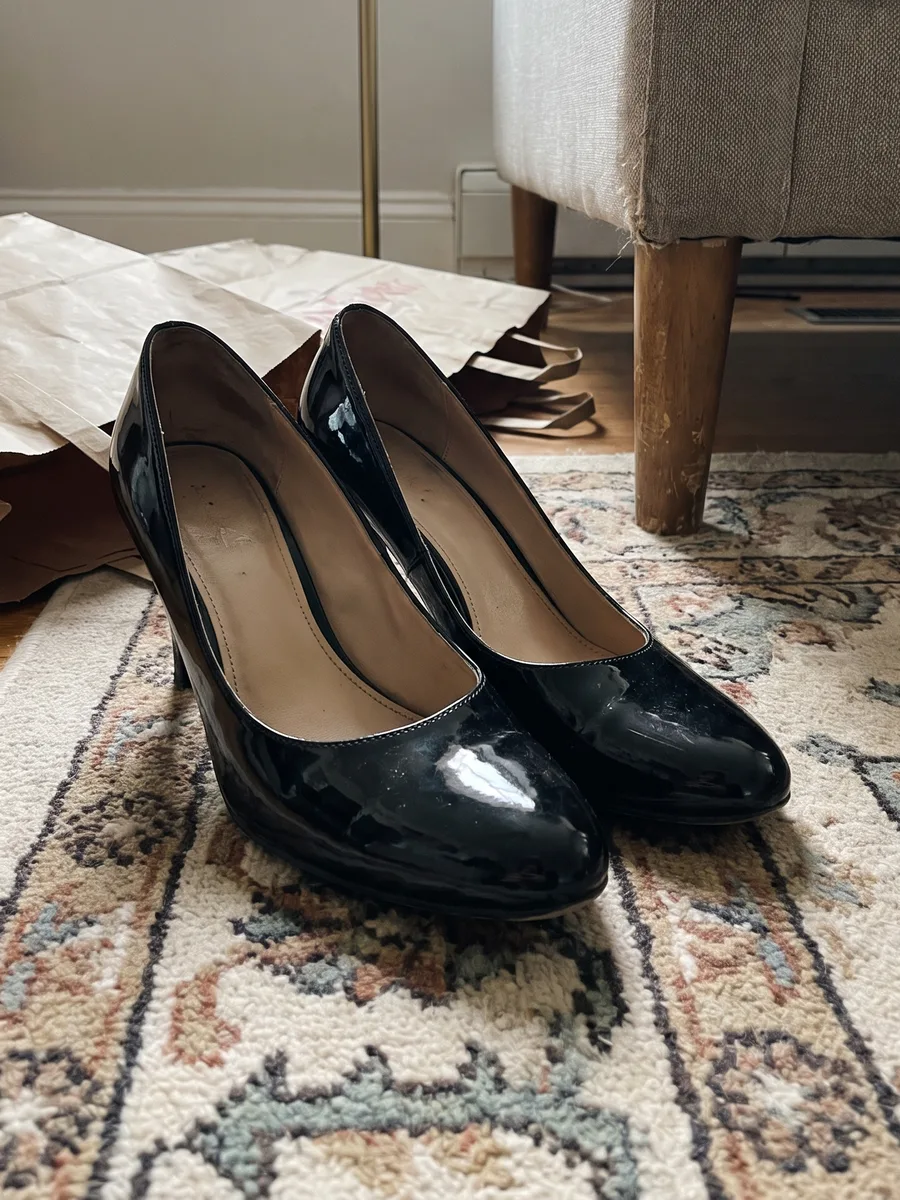
Clean backgroundJPG on whitePatent leather heels
Glossy reflections and the marks inside the shoes left as they are.
 BeforeAfter⇆
Drag to compare
Product photos
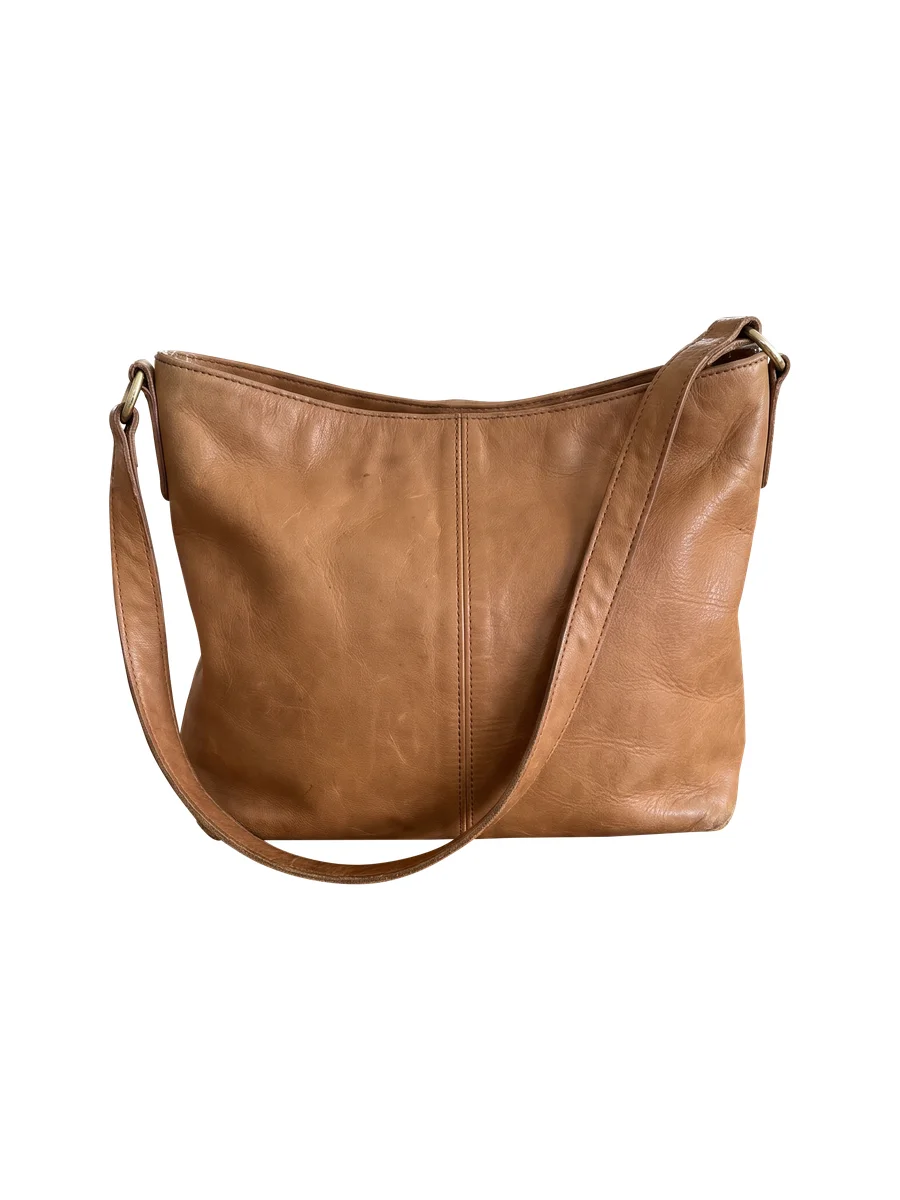
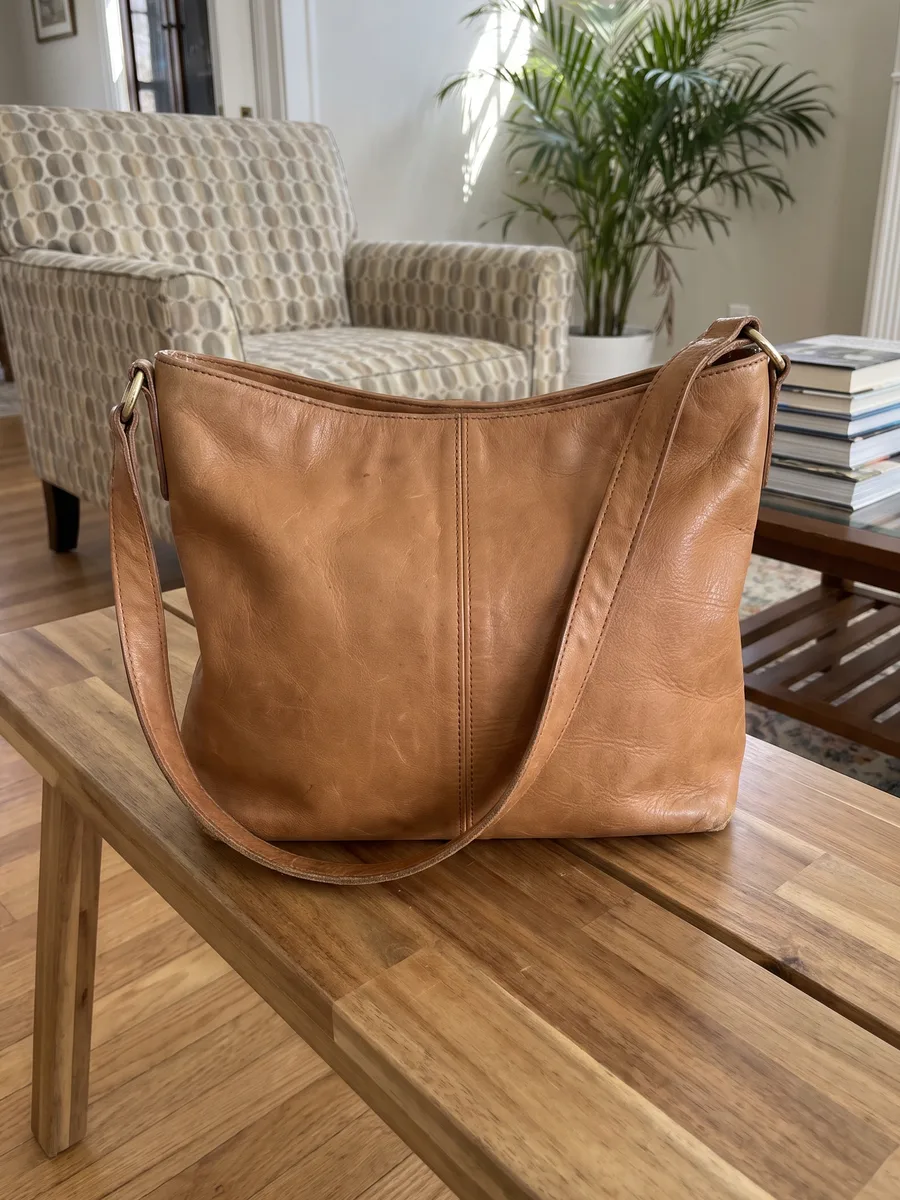
Clean backgroundJPG on whiteTan leather shoulder bag
Creases and wear on the leather kept, nothing hidden.
 BeforeAfter⇆
Drag to compare
Product photos
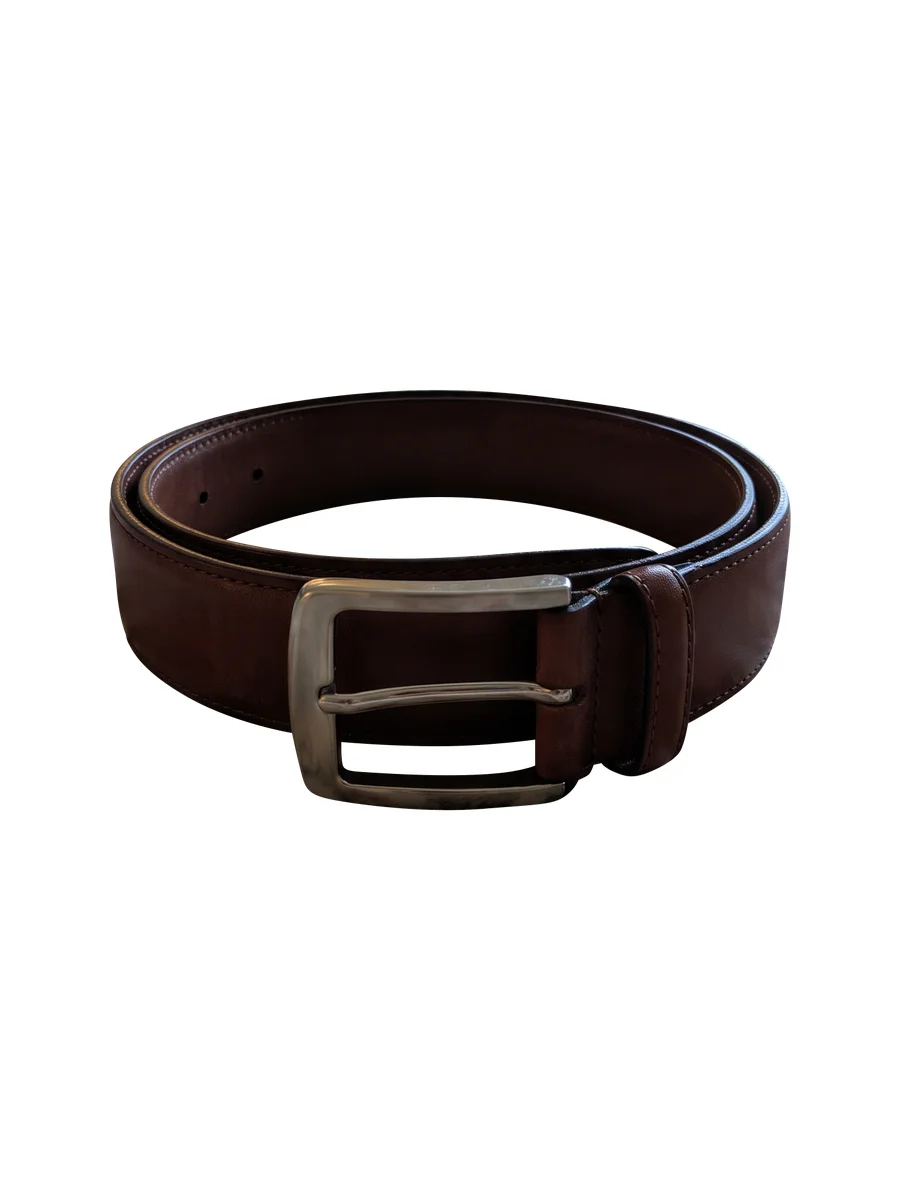
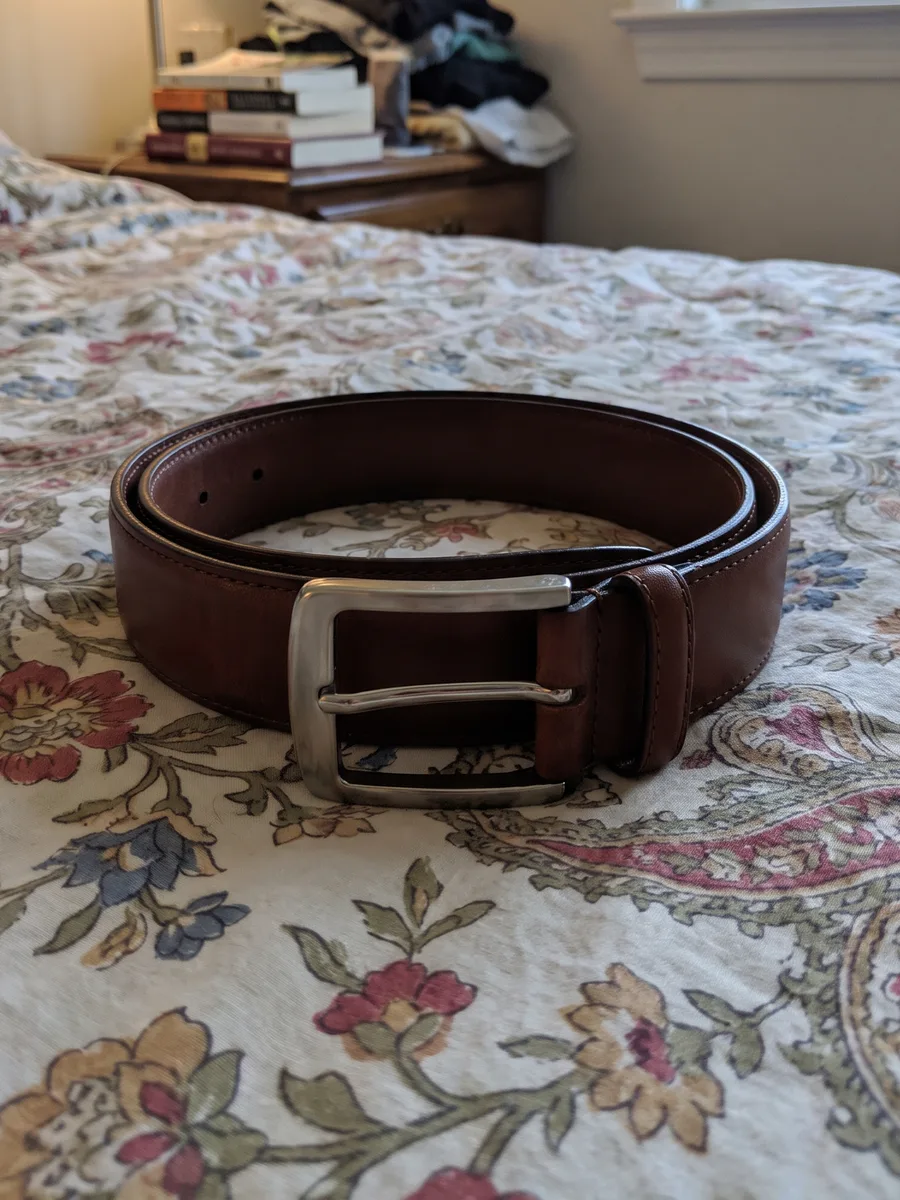
Clean backgroundJPG on whiteLeather belt
The gap inside the buckle cut out, worn edges kept.
 BeforeAfter⇆
Drag to compare
Product photos
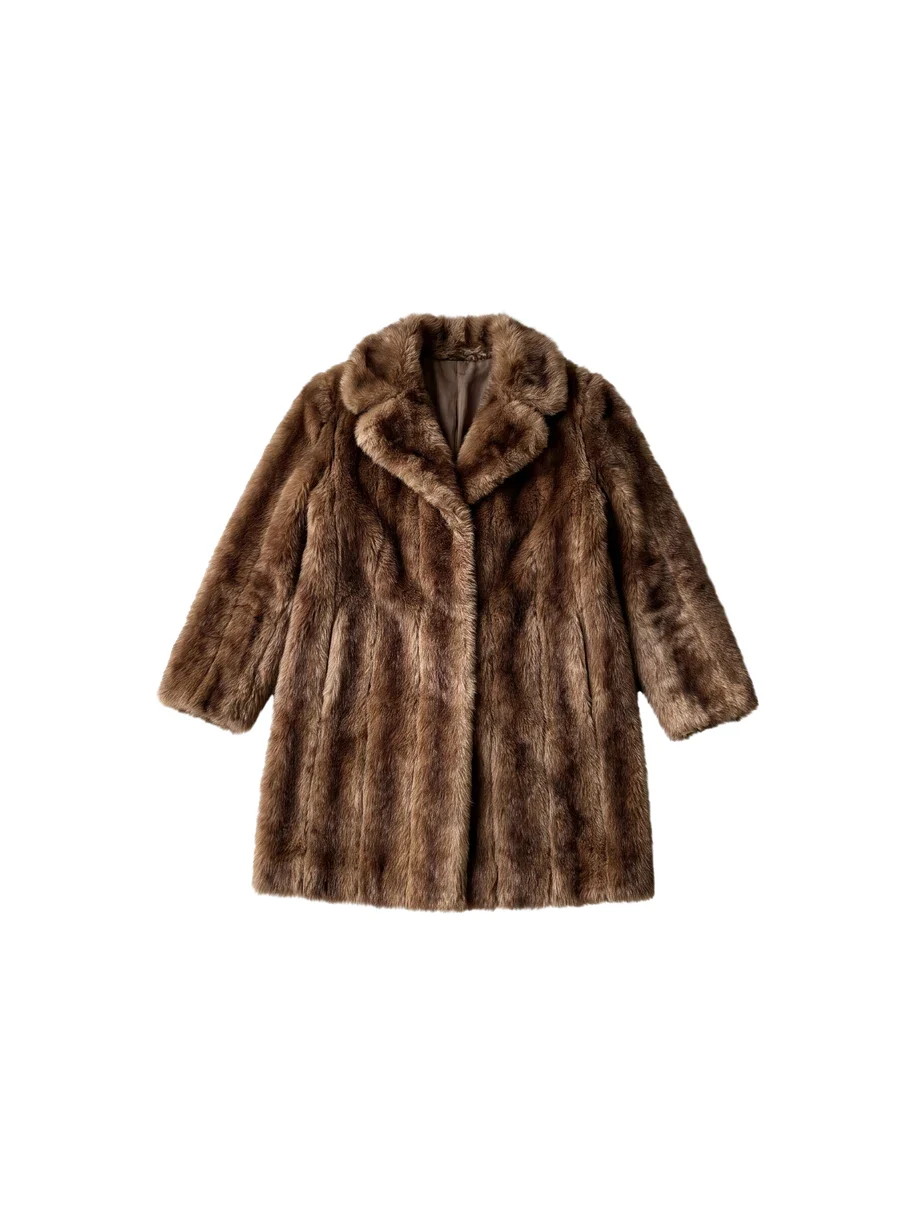
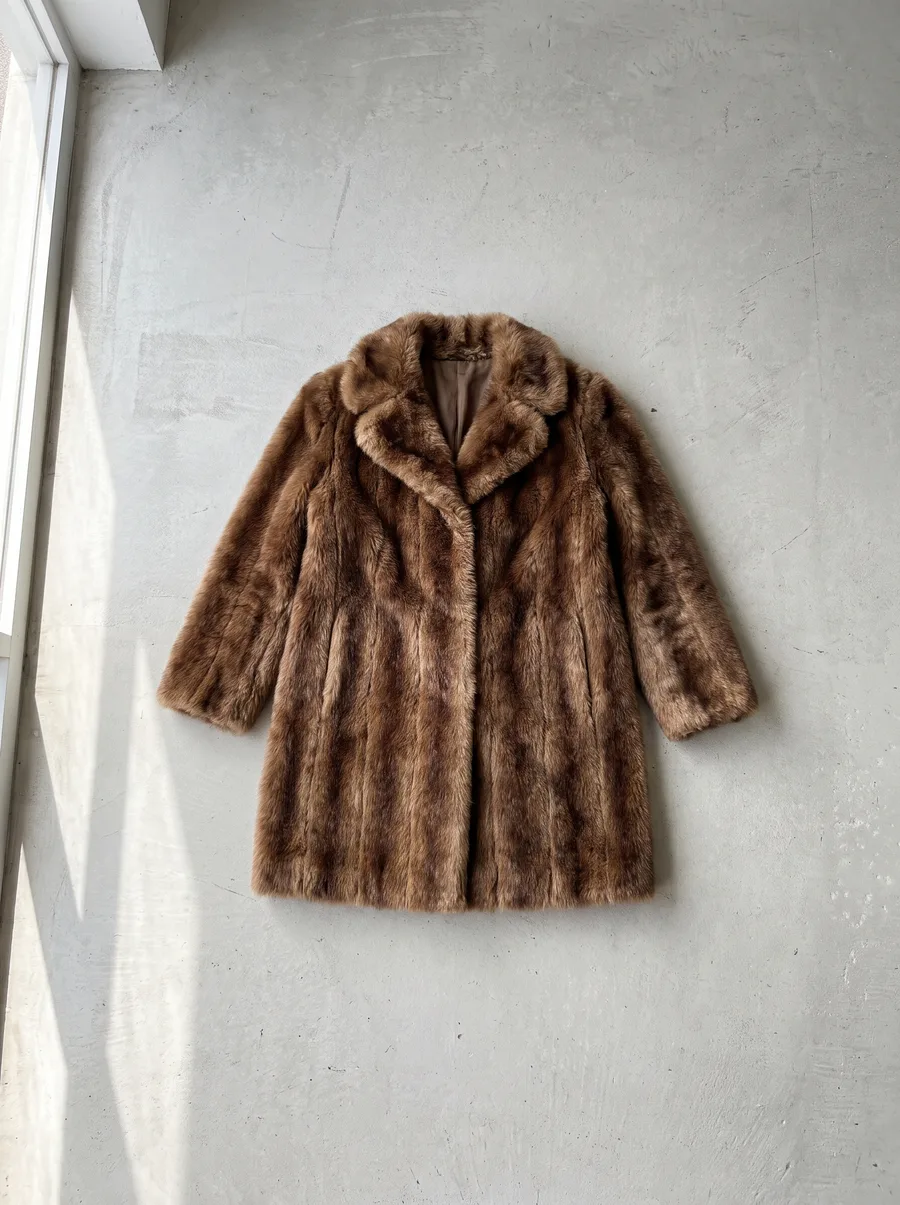
Clean backgroundJPG on whiteFaux fur coat
Every strand of fur kept soft, no hard outline.
 BeforeAfter⇆
Drag to compare
Product photos
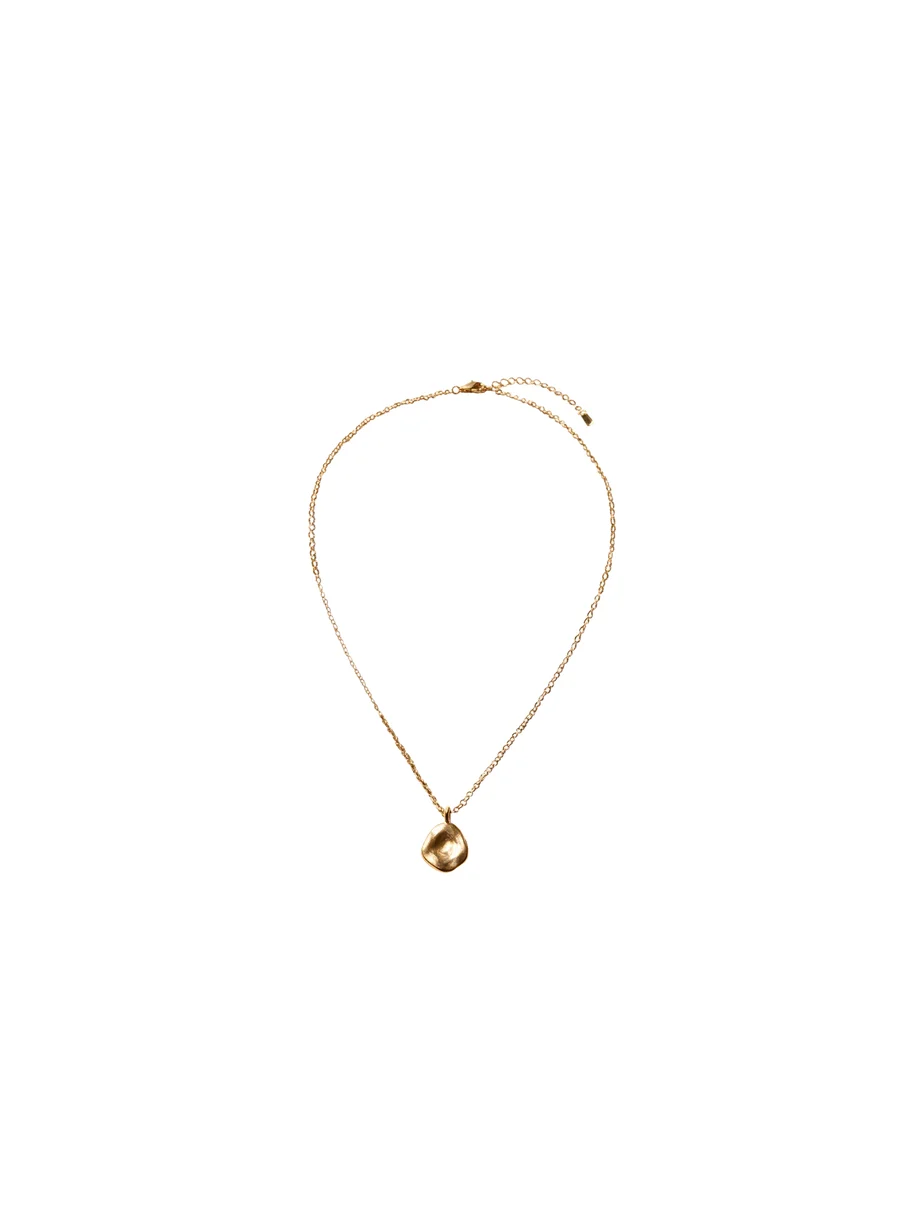
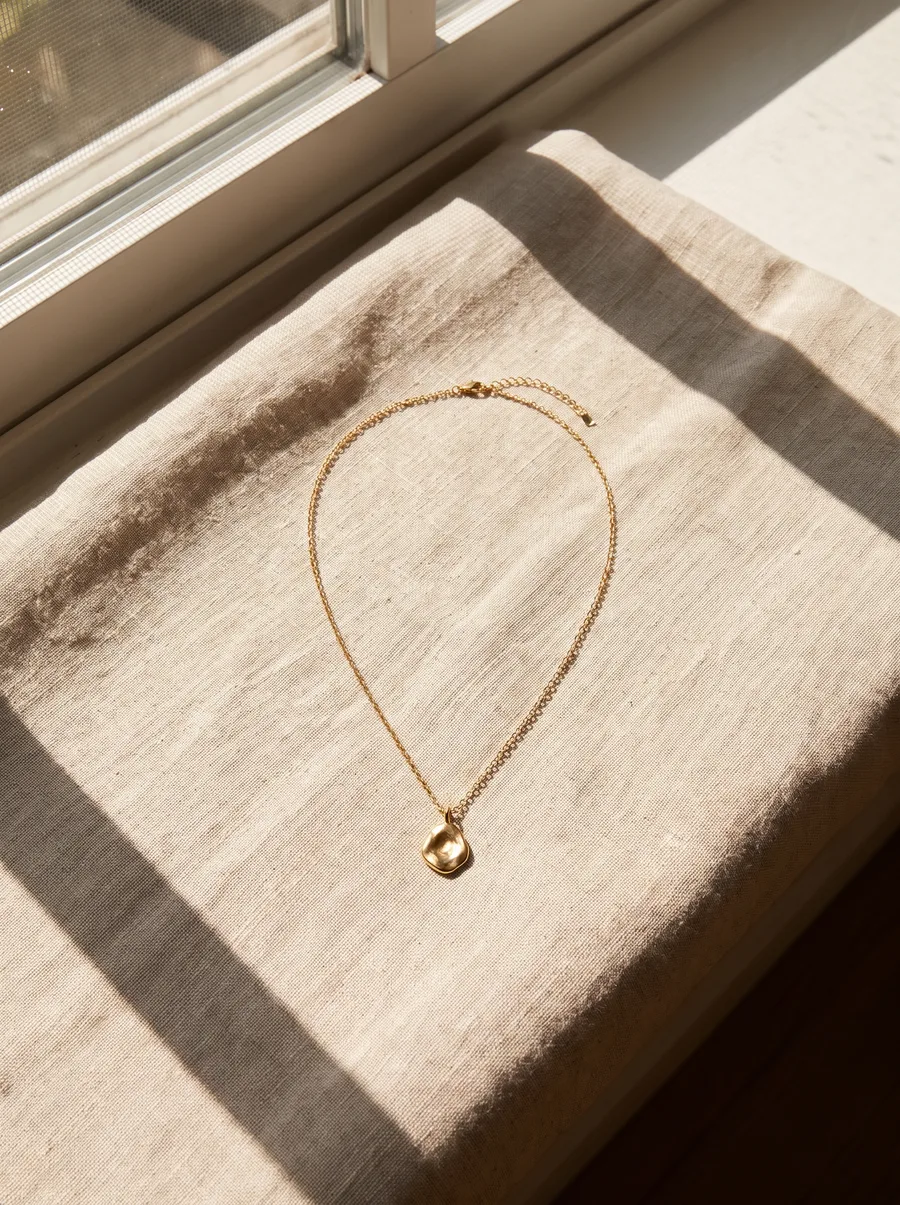
Clean backgroundJPG on whiteGold necklace
A thin chain cut out link by link.
 BeforeAfter⇆
Drag to compare
Product photos
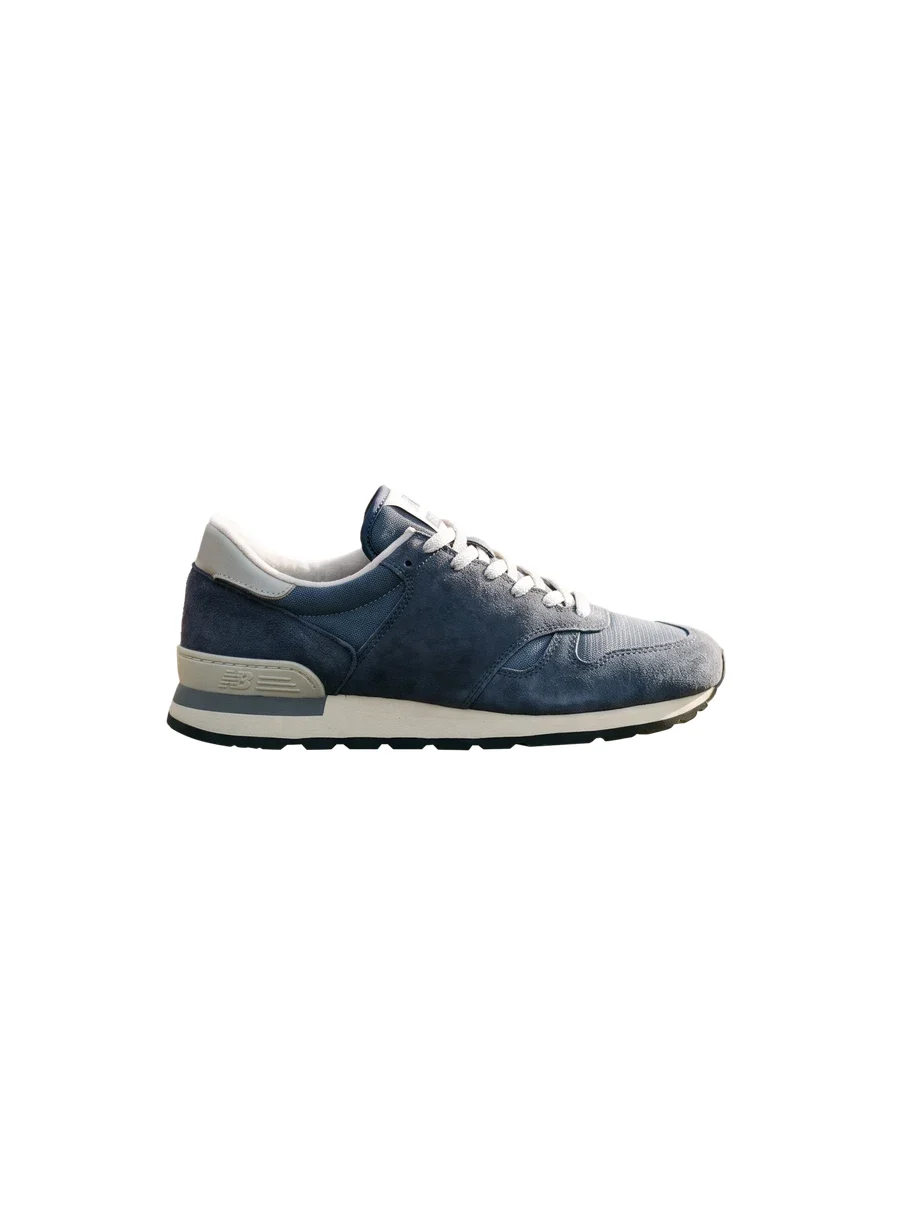
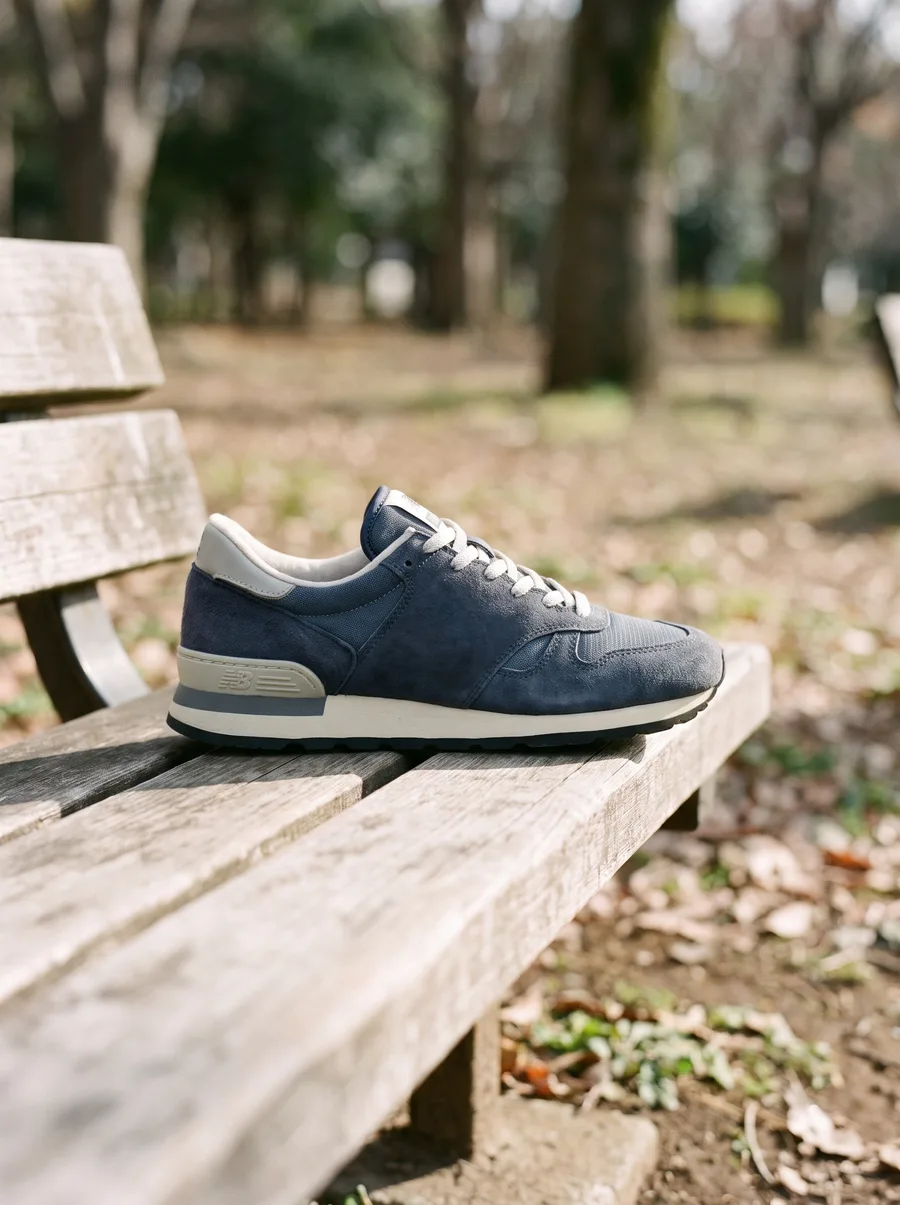
Clean backgroundJPG on whiteSuede sneaker
Laces, sole and the gaps between them clean.
 BeforeAfter⇆
Drag to compare
Product photos
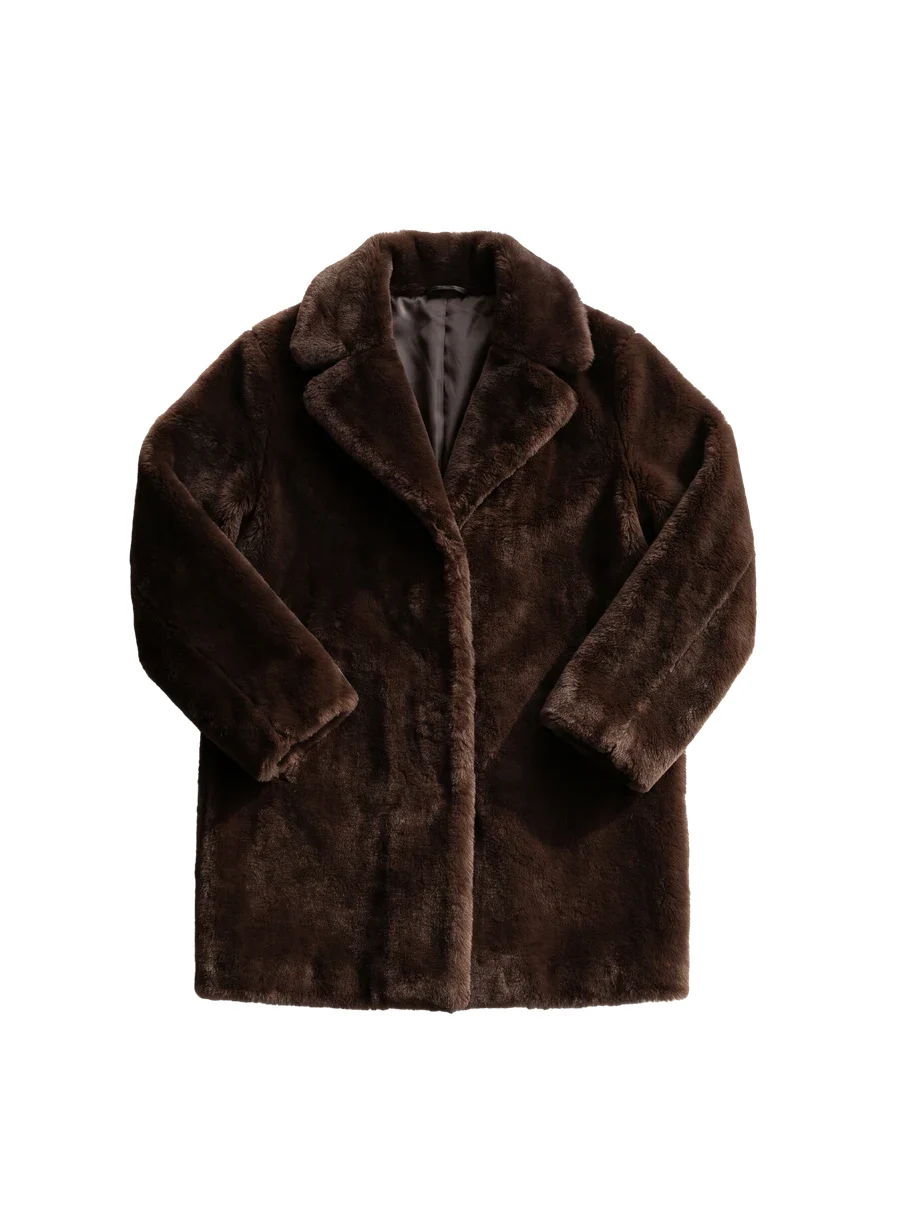
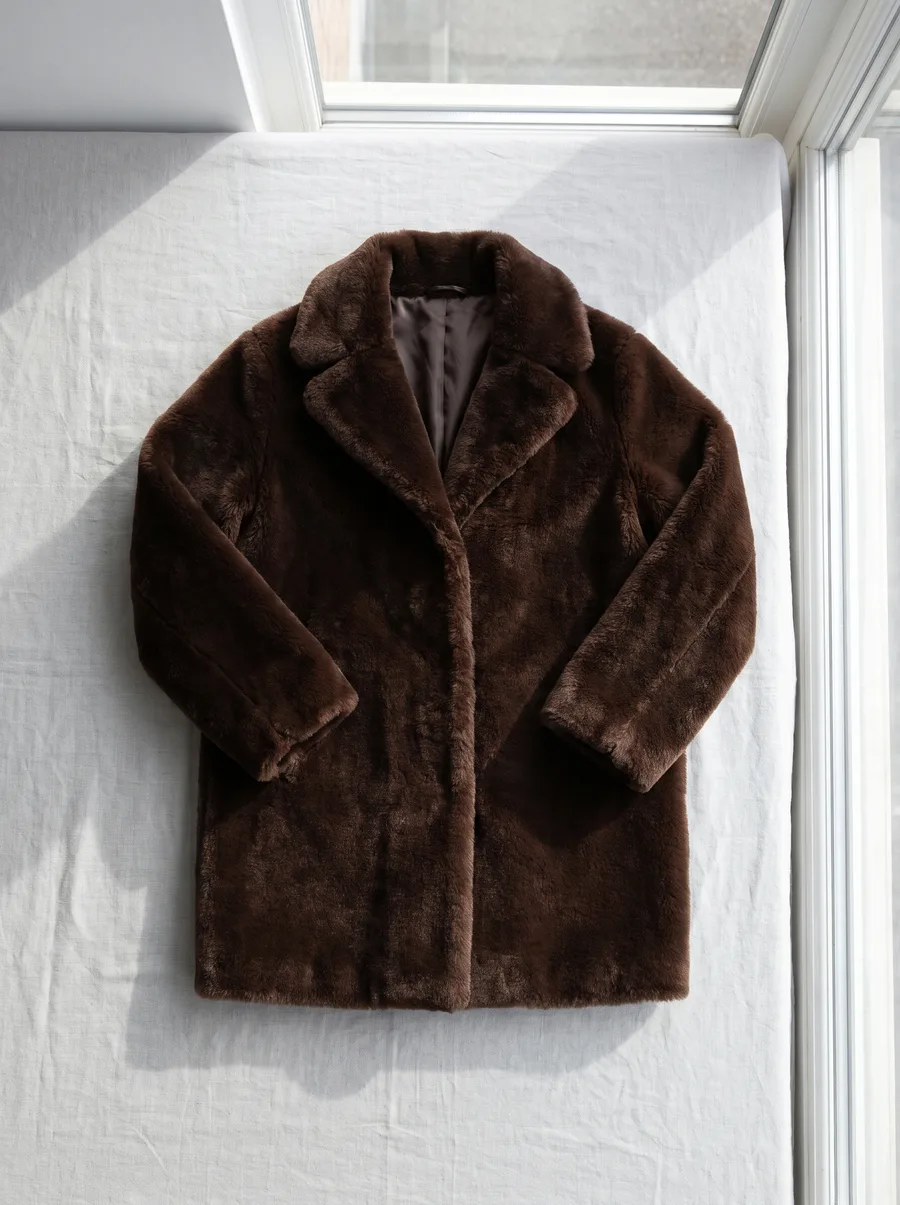
Clean backgroundJPG on whiteDark fur coat
Dark fur on a white wall, edge kept natural.
 BeforeAfter⇆
Drag to compare
Product photos
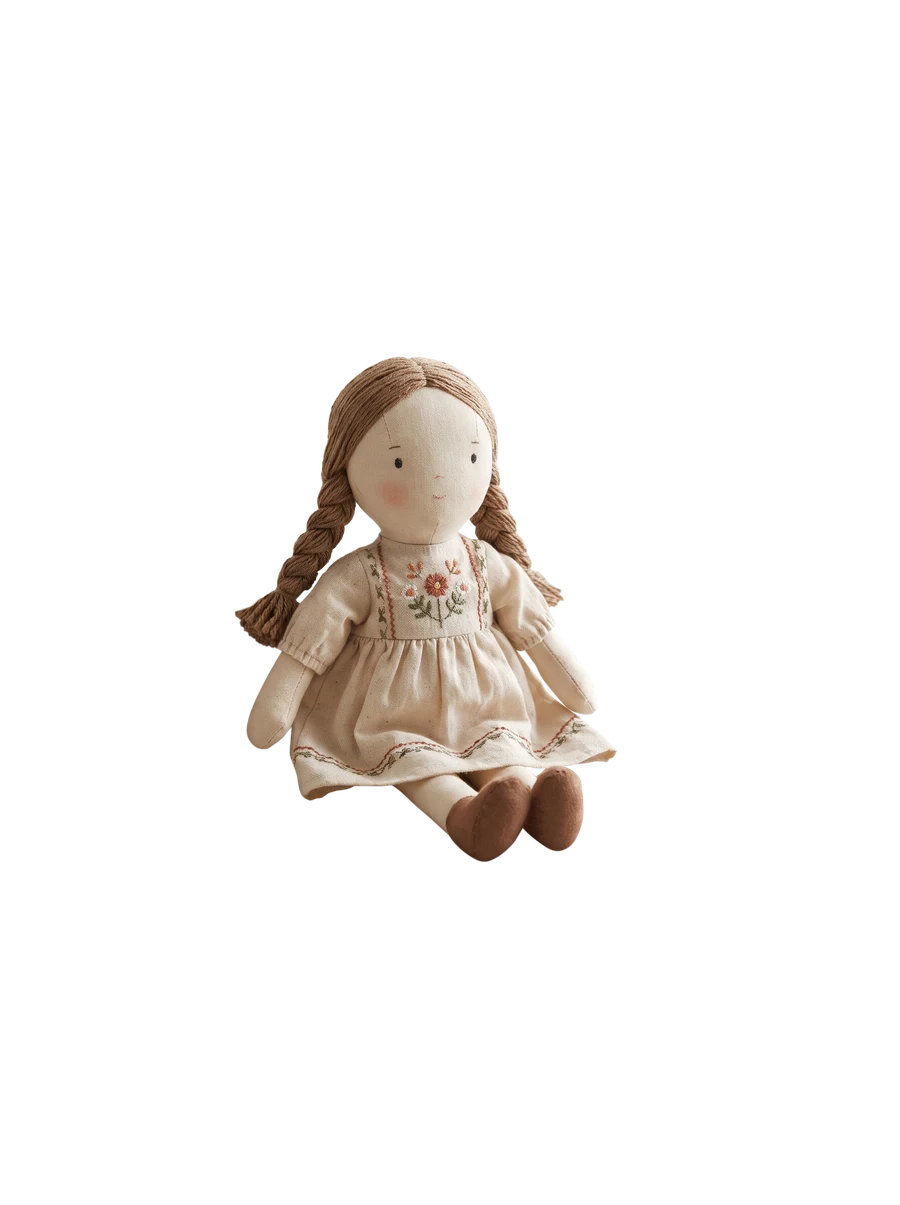
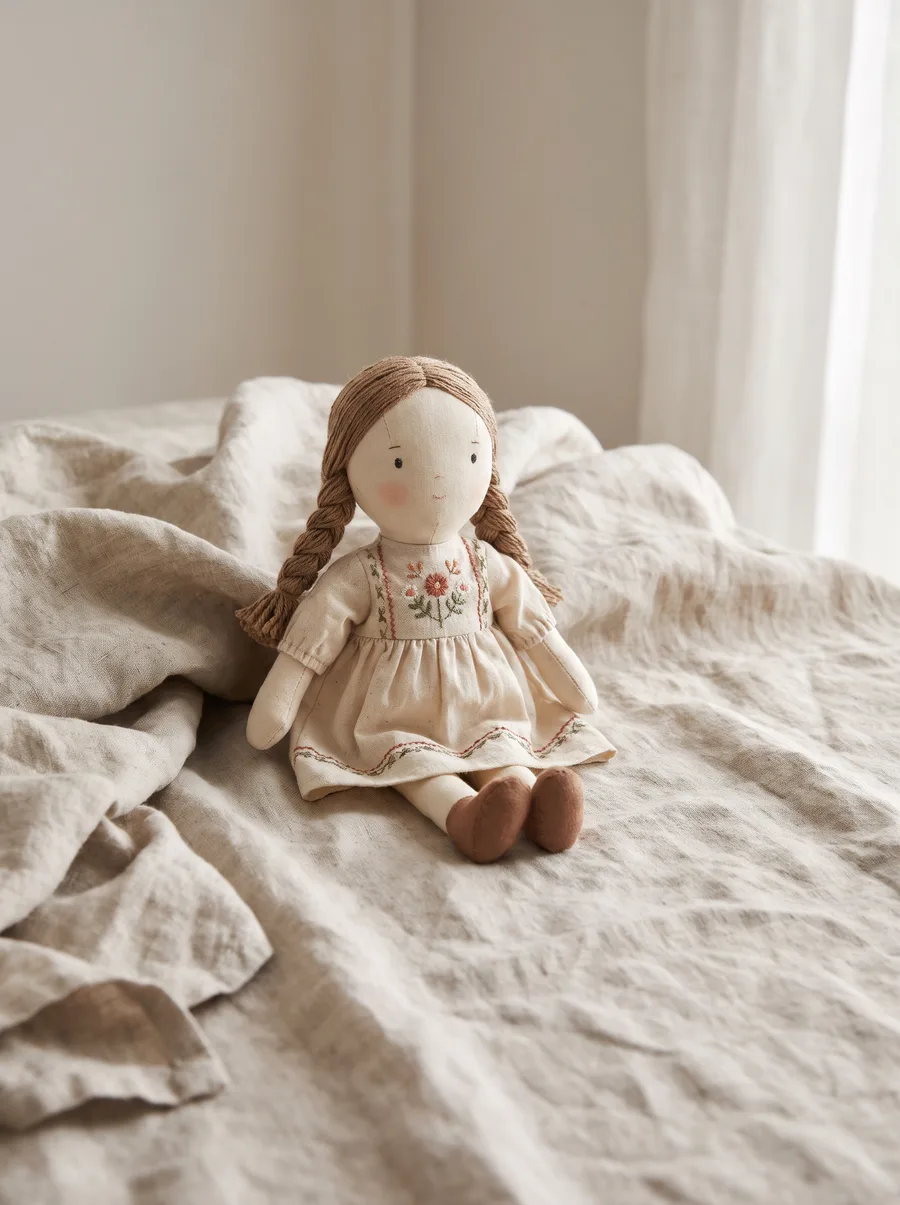
Transparent cutoutPNGRag doll
Loose hair and braids kept, wrinkled fabric removed.
 BeforeAfter⇆
Drag to compare
Product photos
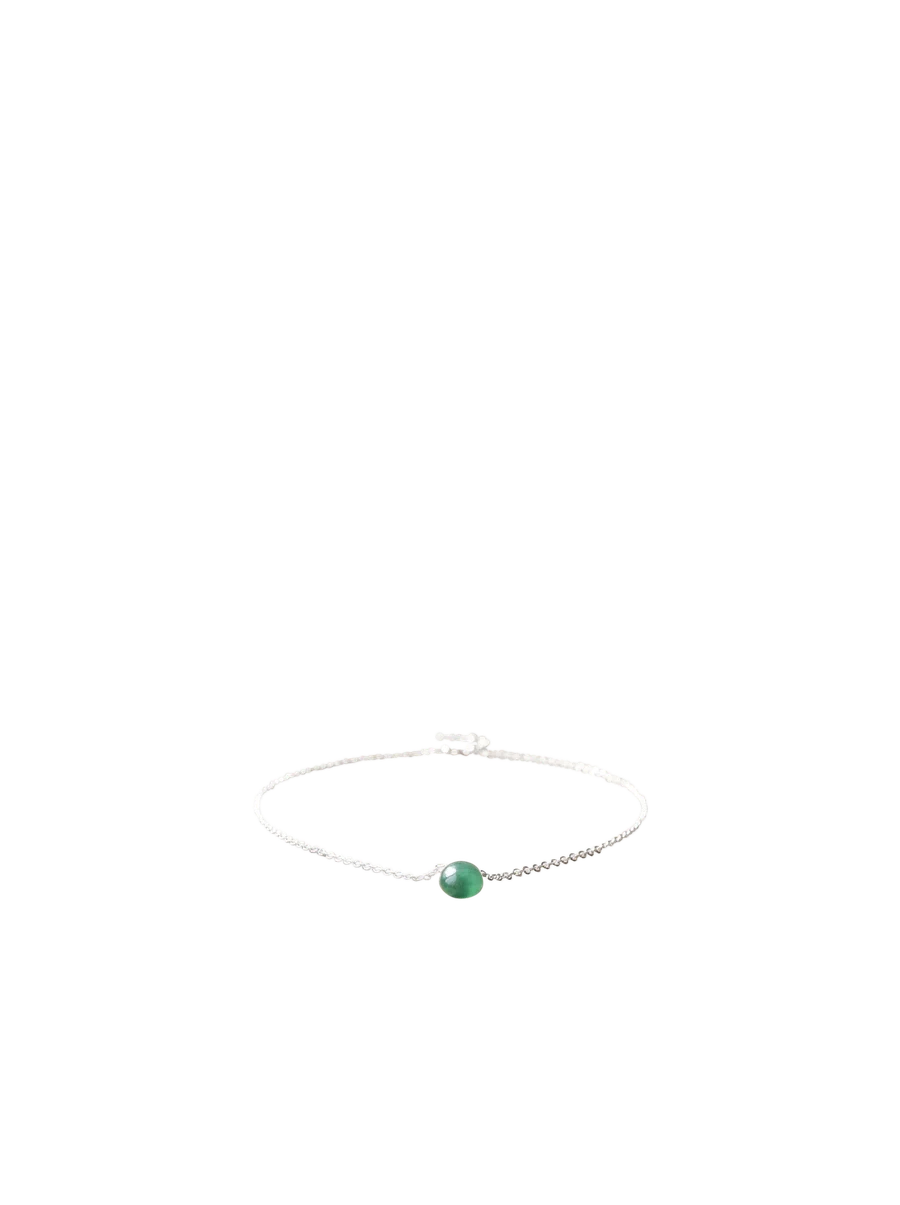
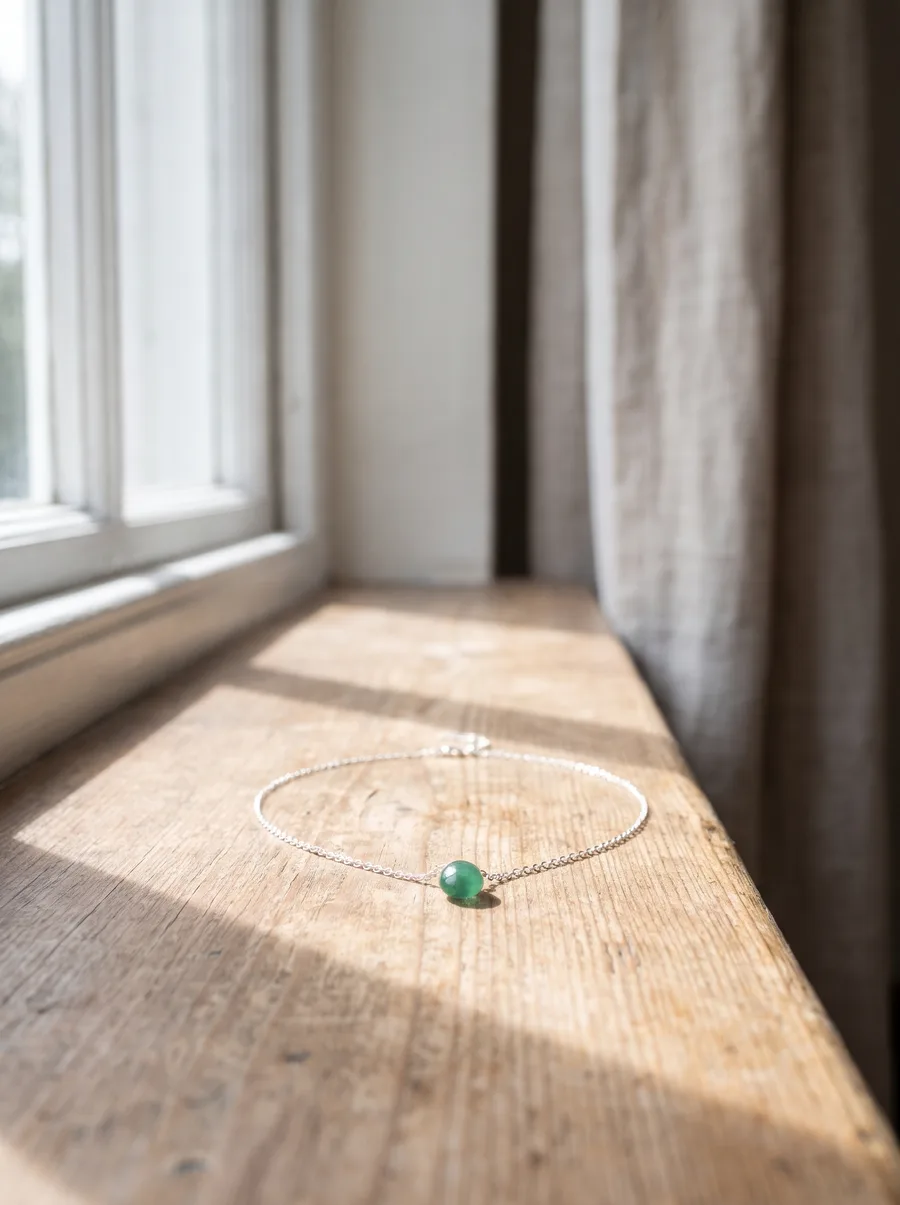
Transparent cutoutPNGBead bracelet
A hair-thin cord on bright wood, still clean.
 BeforeAfter⇆
Drag to compare
Product photos
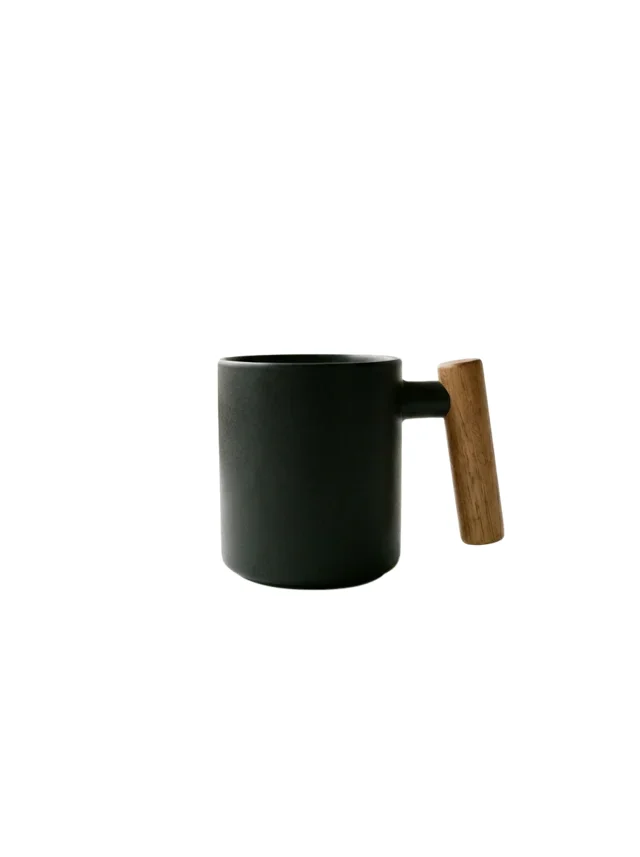
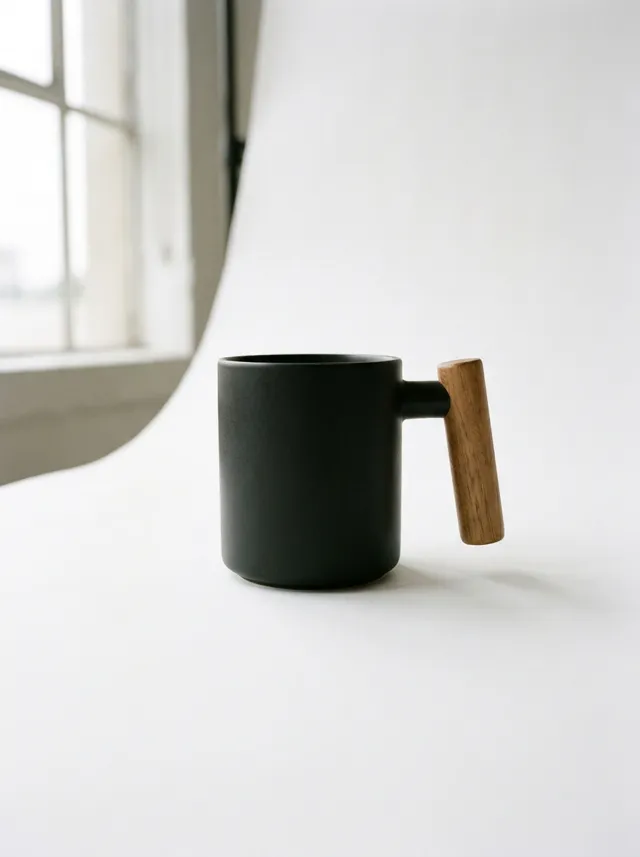
Clean backgroundJPG on whiteBlack mug
The gap inside the handle cut out.
 BeforeAfter⇆
Drag to compare
Product photos
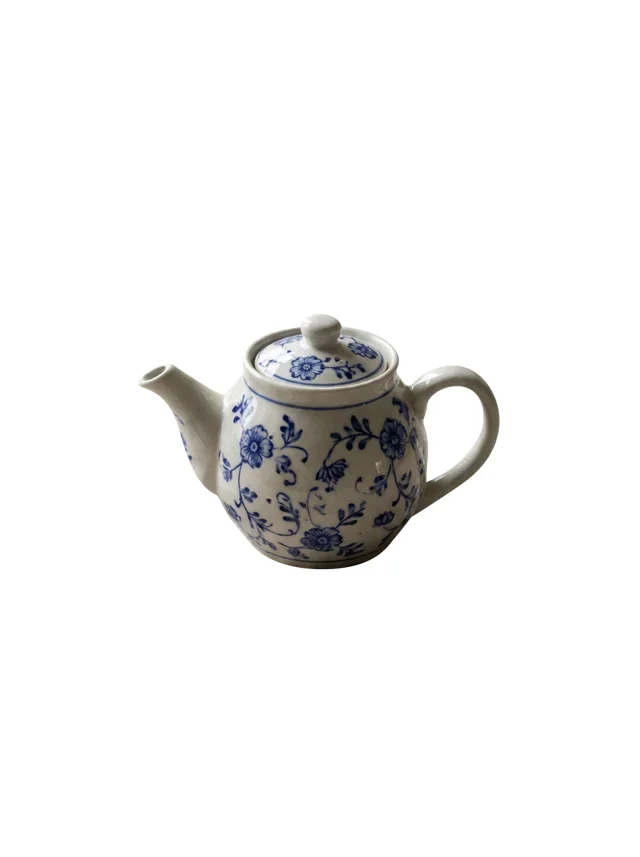
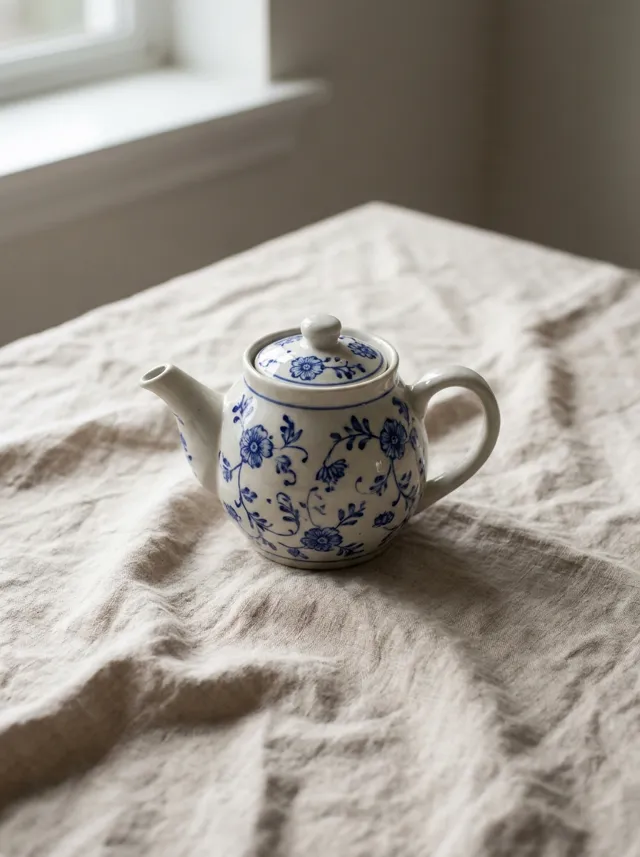
Clean backgroundJPG on whiteCeramic teapot
Painted pattern unchanged, background gone.
AI training data9 samples
 Edit 4
AI training data
Step-by-step edits4 stepsTemple gate
Each edit starts from the result before it.
Instruction: Add soft mist drifting low across the water.
 Edit 4
AI training data
Step-by-step edits4 stepsOcean
Each edit starts from the result before it.
Instruction: Add a sea turtle swimming to the right of the snorkeler.
 Edit 4
AI training data
Step-by-step edits4 stepsBeach at sunset
Each edit starts from the result before it.
Instruction: Add a man flying a red kite further down the beach.
 Result
AI training data
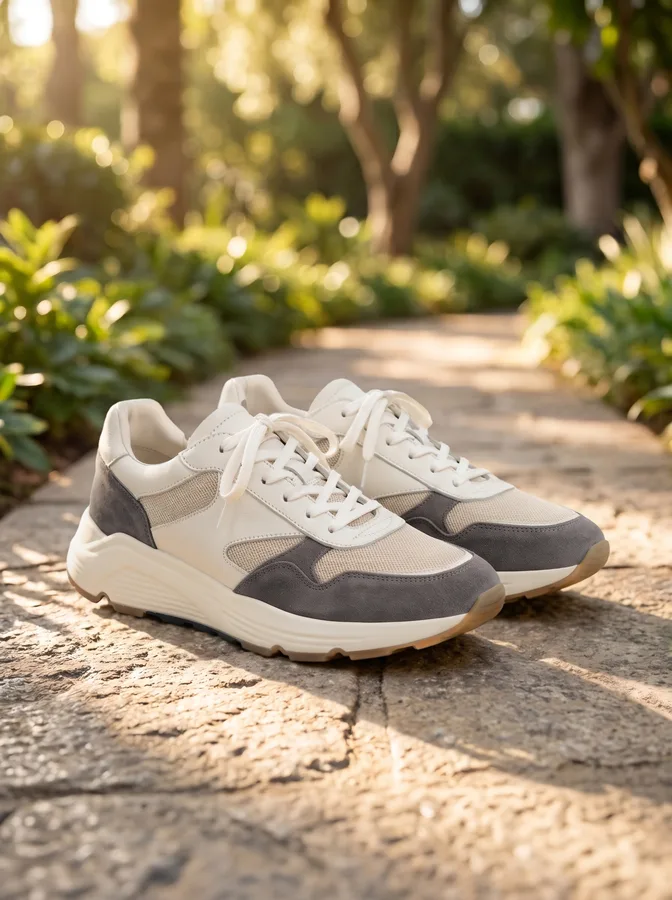
Product in a real settingStudio to outdoorSneakers
A studio product photo turned into a natural outdoor shot.
Instruction: Place the sneakers on the stone path in the foreground. Keep the background from the scene image and the sneakers unchanged; match their light to the low warm sun from behind and add soft shadows on the stone.
 Result
AI training data
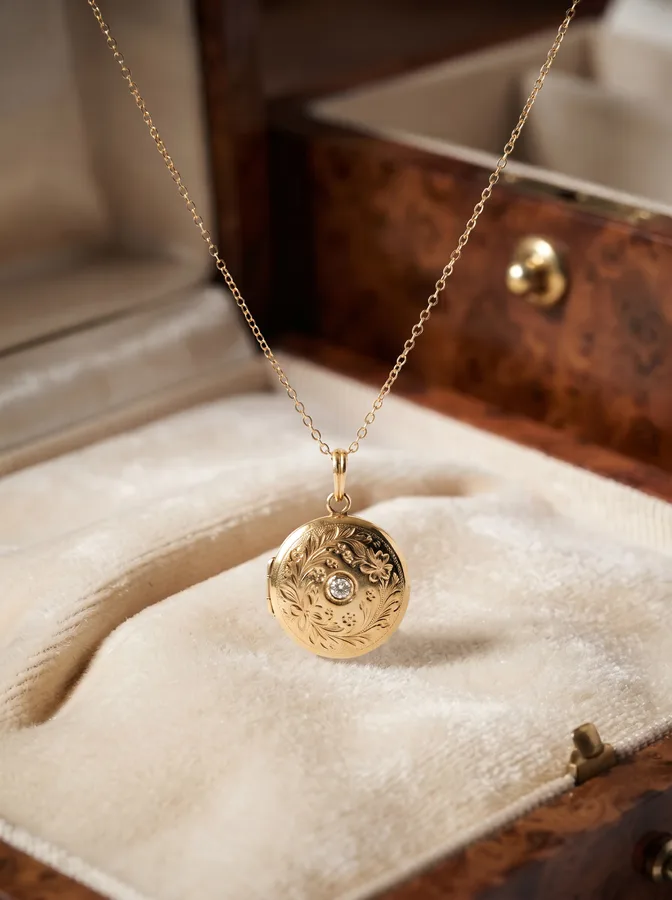
Product in a new sceneProduct + sceneGold locket necklace
Hung over an open jewellery box, light matched to the warm wood.
Instruction: Hang the locket over the velvet in the open jewellery box. Keep the background from the scene image and the necklace unchanged; match the gold to the warm light from the left and add a faint shadow on the velvet.
 Result
AI training data
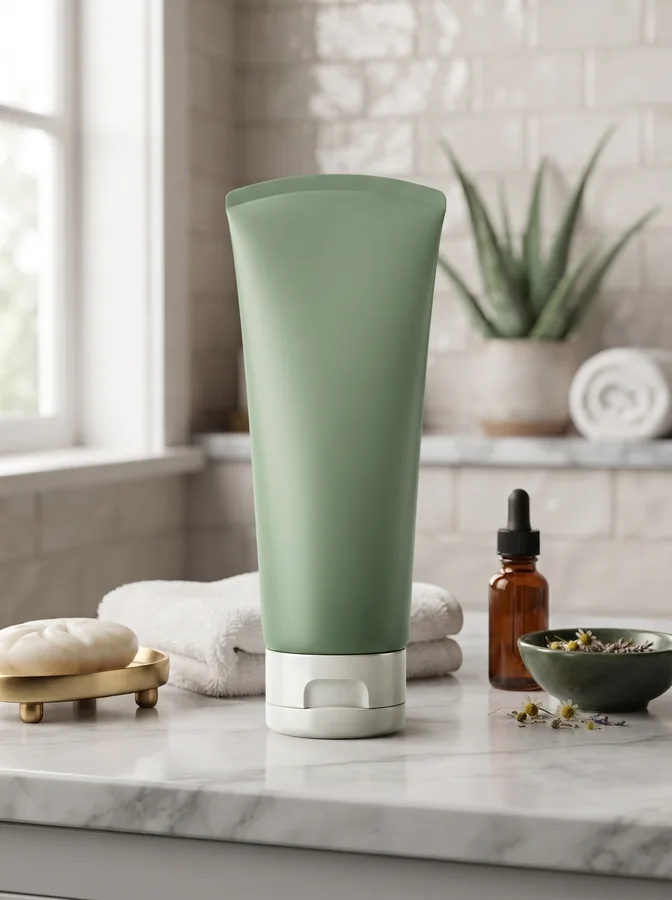
Product in a new sceneProduct + sceneGreen cosmetic tube
Stood on a bathroom counter in soft window light.
Instruction: Stand the tube on the marble counter between the towels and the dropper bottle. Keep the background from the scene image and the tube unchanged; match its light to the window on the left and add a soft shadow under it.
 Result
AI training data
Product in an adInvented brandFlip-flops
The ad stays as it is; the product keeps its shape.
Instruction: Stand the yellow flip-flops upright in the sand beside the sign. Keep the ad layout and the flip-flops' shape unchanged; match their light to the bright sun from the upper left and add a soft shadow on the sand.
 Result
AI training data
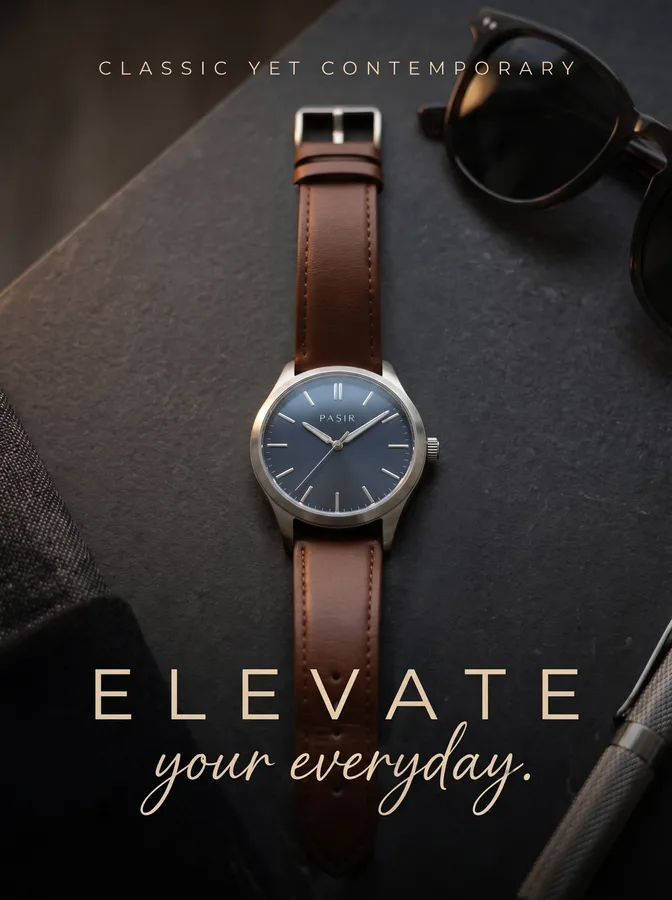
Product in an adInvented brandWristwatch
Light on the steel and leather matched to the dark set.
Instruction: Lay the watch on the dark book between the sunglasses and the pen, facing the viewer. Keep the ad unchanged and the watch's shape and dial unchanged; match its light to the low warm light from the left and add a soft contact shadow.
 Result
AI training data
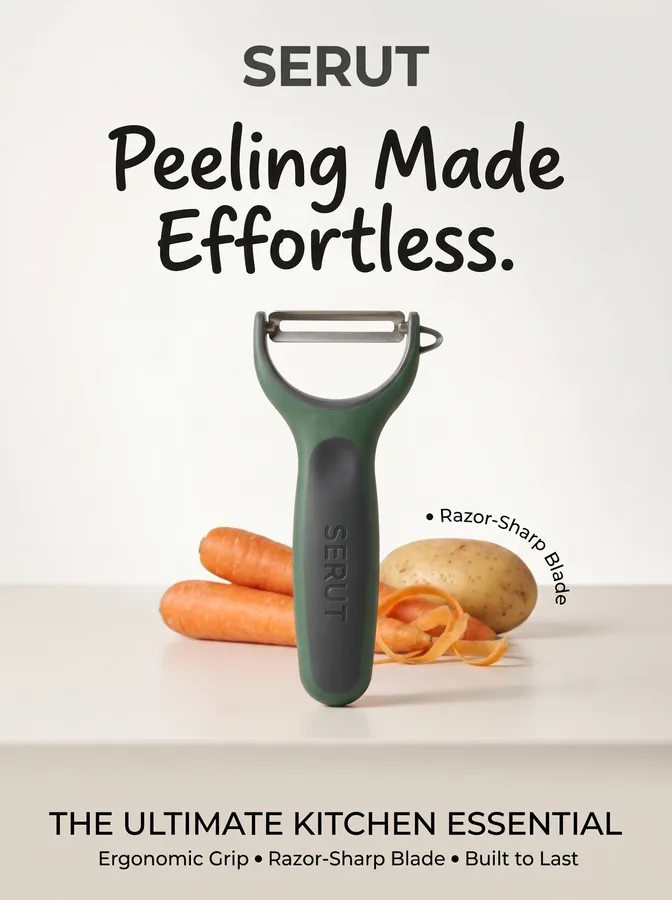
Product in an adInvented brandVegetable peeler
Turned upright and lit like the vegetables beside it.
Instruction: Stand the green peeler upright between the carrots and the potato. Keep the ad and the peeler's shape unchanged; match its light to the soft daylight from the left and add a shadow on the counter.
See it on your own images.
3 product photos, or up to 10 images for AI data. Free, one sample per company.