
 VYN LAB
Practice project: fixing a batch of AI-made before-and-after pairs
A practice brief we set ourselves: a batch of edit pairs made by an automatic pipeline, not ready for training. What was wrong, how we fixed it, and what we deliver.
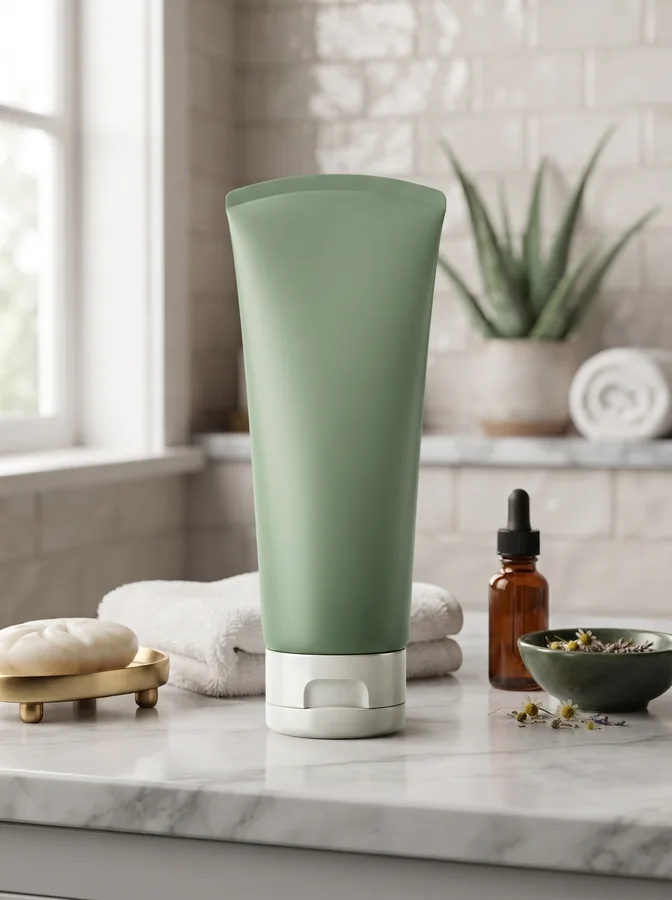
This is a practice project, not client work. There is no client and no client data: we wrote the brief ourselves and made every image for it, so nothing here is confidential. It shows how we approach a dataset job from start to finish.
1. Project brief
An AI team is training a model to edit product photos from a written instruction. They have a batch of before-and-after pairs made by an automatic pipeline: a product photo, a scene or ad to place it into, an instruction, and a result. The batch is not ready for training. They need every pair checked, fixed or rebuilt by hand, so each result matches its instruction exactly.
2. Issues found in the batch
- The product changed shape in the result: a bottle got thinner, a strap got shorter.
- Labels and logos on the product were redrawn and became unreadable.
- The background of the result no longer matched the scene image: objects moved, colours shifted.
- Light on the product came from the wrong side compared with the scene.
- No shadow under the product, so it looked pasted on.
- Instructions were vague ("put it somewhere nice") or did not describe what the result shows.
- Image sizes and crops were different between the input, the scene and the result.
- File names did not match across the three images, and some pairs were duplicates.

3. What we did
- Rebuilt each result in Photoshop from the original product cut-out, so the product's shape and label stay exactly as photographed.
- Kept the background of every result identical to its scene or ad image.
- Matched the product's light to the direction and colour of the light in the scene, and added a contact shadow.
- Rewrote each instruction so it describes exactly what changes and what must stay the same.
- Gave the input, scene and result of each pair the same size and a matching file name.
- Removed duplicates and checked every pair zoomed in before delivery.
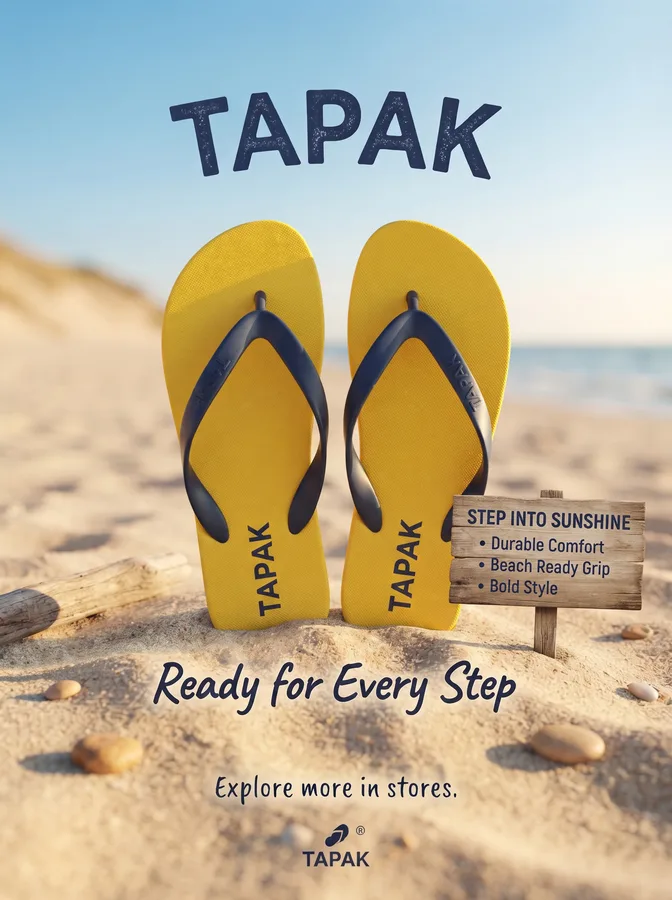
4. What the team receives
- One folder per pair: input, scene or ad, and result, all the same size, named pair_001_input, pair_001_scene, pair_001_result.
- One instruction per pair, in a spreadsheet or JSON file, written in plain English.
- A short note per batch: what was fixed, and any pair we recommend dropping.
Have a batch like this? Send us ten pairs and your guidelines. We fix them free, so you can check the result against your own standard.